
Description
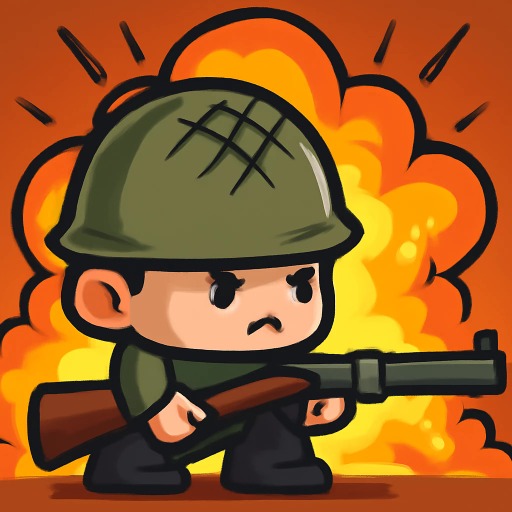
Step onto the battlefield and become a hero in World War 2 Shooter. This intense first person shooter drops you right into the middle of historic combat. You must fight against waves of enemies in dynamic battles that test your aim and strategy.
Equip yourself with classic weapons and prepare for a fight to the finish. You will need to use cover, crouching, and precise shooting to survive. It offers a classic war experience similar to the tactical combat in Hazmob FPS. Use your medkits wisely and throw grenades to clear out enemy positions.
This is a thrilling way to play action games online with a historical twist. Defeat foes, lead your squad to victory, and prove your skills on the front lines. Are you ready to serve your country and win the war? Charge into battle now!
Gameplay Highlights
- ???? Playable on PC, Mobile, and Tablet (Best experience on PC).
- ???? Experience realistic World War 2 first person shooter action.
- ???? Use grenades to flush out enemies from cover.
- ❤️ Heal yourself with first aid kits to stay in the fight longer.
- ????️ Fight in dynamic battles and become a hero of the war.
- ????️ Navigate detailed maps and use strategy to defeat your foes.
FAQ
Q: What devices can I play World War 2 Shooter on?
A: World War 2 Shooter is an instant play browser game. While it works on mobile, playing on a PC with a keyboard and mouse provides the best control.
Q: How do I heal my character?
A: If you take damage, press the H key to use a first aid kit and restore your health.
Q: Can I change weapons?
A: Yes! You can scroll your Mouse Wheel to cycle through your available weapons during the battle.
Q: What is the goal?
A: The goal is to defeat the enemy soldiers and survive the battle to lead your team to victory.
Instructions
How to Play World War 2 Shooter
Your mission is to eliminate enemy soldiers and survive. Use your weapons and environment to your advantage.
PC Controls
- Move: Press W, A, S, D.
- Jump: Press Spacebar.
- Crouch / Squat: Press C.
- Aim: Click the Right Mouse Button.
- Shoot: Click the Left Mouse Button.
- Throw Grenade: Press G.
- Use First Aid Kit: Press H.
- Change Weapon: Scroll the Mouse Wheel.
- Menu: Press Esc.
Mobile & Tablet Controls
- Move: Use the on screen virtual joystick.
- Aim & Shoot: Use the touch buttons on the right side of the screen.
- Actions: Tap the grenade and medkit icons to use them.
Tips and Tricks
- Always use cover. Crouching (C) behind walls makes you a harder target.
- Don't forget your grenades! They are perfect for clearing groups of enemies.
- Keep an eye on your health and use a medkit (H) before it gets too low.
- Aim down your sights for better accuracy at long range.








Comments