
Description
Every move in Ultimate Chess starts with a color: a green square means a piece can go there, a red one means it can take something. That small hint removes the guesswork about legal moves, so your attention can go where it belongs, which is the plan behind the move.
Choosing between Easy, Medium and Hard
The Player vs AI menu asks for a difficulty before the first move. Easy is a sensible place to rehearse habits such as developing pieces and castling early, without every slip being punished. Medium and Hard suit the moment you stop leaving pieces unprotected. A useful test is simple: if you can finish a game on one level without giving away a piece for nothing, move up.
Passing the board to a friend
Player vs Player keeps both sides on one device, taking turns. The turn indicator shows whose move it is, which matters more than it sounds when the board changes hands every few seconds. Restart begins a fresh game in the same mode and difficulty, so a rematch costs one click instead of a trip through the menu.
Three rules that catch people out
The rules are the standard ones, and three of them cause most of the surprises:
- When your king is in check, the only legal answers are to capture the attacker, block the line or move the king. If none of those works, it is checkmate and the game ends.
- Castling needs a king and rook that have not moved, empty squares between them, and a king that is not castling out of, through or into an attack.
- A pawn that reaches the far rank is promoted, so a passed pawn near the end of the board deserves protection on both sides.
Reading the move history after a loss
The move history keeps a record of the game you can go back over. Look for the first move after which your position got worse, not the last one before the checkmate. The real mistake often sits several moves earlier, such as a piece left where it could be captured. Sound effects add a cue to the action, which helps when your eyes are on a different part of the board.
Beyond the 64 squares
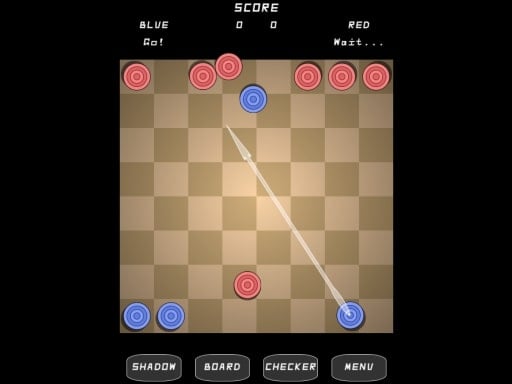
Everything here happens on one device, against the computer or someone sitting beside you. If you prefer to see the pieces from a tilted angle, Another Chess 3D offers that view. For a different kind of board battle, Turkish Draughts puts sixteen pieces a side on the same 64 squares, moving straight instead of diagonally, and the board games collection has more.



Comments