I played six runs of Tennis, the free browser rally game on WebGame.fun. I used desktop Chrome and a mouse, and played for about ten minutes. My scores were 2, 1, 2, 14, 1 and 1. This guide covers what actually happened in those runs: how a run starts, what ends it, what I tried with the controls, and the one change that took me from 2 to 14. Where I am not sure about something, I say so.
How a run starts
The menu shows the TENNIS logo, a BEST box and a big red Play button. On your first run, a small hand icon appears on the court to show you to tap. Your score and best score sit at the top of the screen, and there is a pause button in the top right corner.
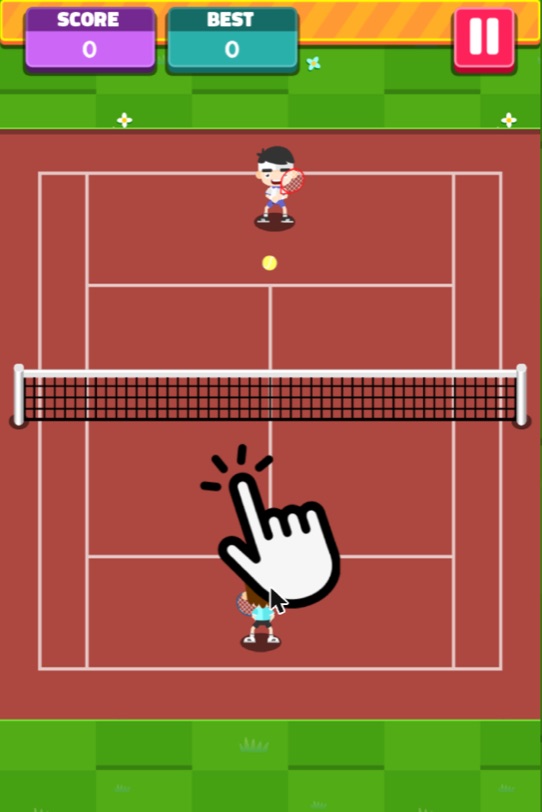
After that first tap, the opponent serves. That surprised me, because the game page talks only about rallies. In most of my runs the serve came straight down the middle of the court toward my player.
One miss and the run is over
There are no lives and no sets. When a ball gets past you, a GAME OVER panel shows your score and your best, with three buttons: restart, home and sound. The restart button is the one to use. It starts a new run at once and skips the menu and the tutorial. The home button takes you back to the menu.
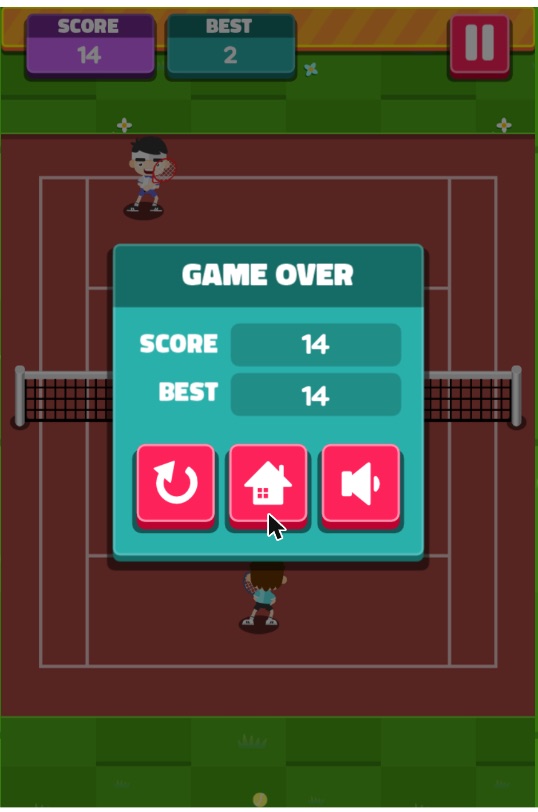
Because one miss ends everything, each run is short. Most of mine lasted only a few seconds. That makes the game good for quick tries, and it also means you learn fast from your mistakes.
What I found out about the controls
The game page says you move left and right with the arrow keys or by swiping. On desktop, that did not work for me. I tried Arrow Left and Arrow Right, dragging on the court, and moving the mouse to one side. In none of these did my player visibly move. He stayed near the centre line.
What did matter was the tap. In my first three runs I tapped while the ball was still near the net, and each time the run ended almost at once, at a score of 1 or 2. I am not sure exactly why. But early tapping lined up with my shortest runs every time.
I also tried doing nothing at all. In two runs I tapped once to begin and then kept my hands off. Both times my player returned the first ball on his own, which gave a score of 1. Then the opponent moved to the side, the next ball went wide past me, and the run ended.
I did not test it on a phone, so touch controls may behave differently there.
The run that reached 14
On my fourth run I waited. I let the serve travel toward me and tapped once, when the ball was about two thirds of the way across my half, close to my player. The return went to the side, and the opponent had to move across to reach it.
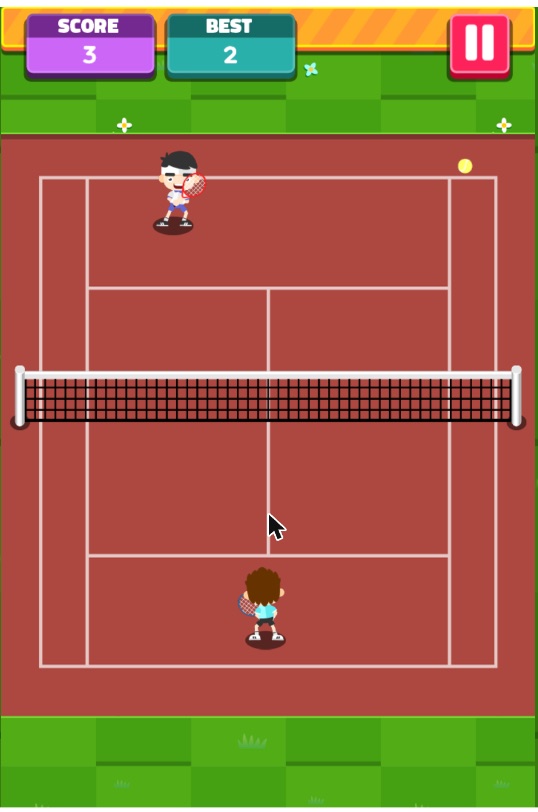
After that, the score kept climbing from 3 to 14 while I gave no more input. Then a ball passed me and the run ended. I cannot say for sure why this run went so much longer than the others. The clear difference was the timing of that one tap: late, with the ball close, instead of early, with the ball near the net.
Tips from my six runs
- Do not tap early. Every run where I tapped with the ball near the net ended at 1 or 2.
- Let the ball come to you. My best run came from one tap with the ball close to my player.
- Use restart, not home. It puts you straight back on court, so you can try a new timing quickly.
- Watch where the opponent goes. When the opponent moved wide, the next ball often came back wide too, and that is where my short runs ended.
- Treat the first few runs as practice. Runs end after one miss, so a few quick tries teach you the timing faster than reading about it.
What I could not confirm
- How points are counted. The page says you score for each hit and when the opponent misses. I saw the score go up, but I could not tell which events added each point.
- Whether the ball speeds up. The page says it does. My runs were too short for me to judge it.
- Moving the player. On desktop I could not move him. On a phone it may work by swipe. I did not test that.
If you find a control that moves the player, or you beat 14, that is more than I managed in my runs.
Where to play
You can try it now in Tennis. It runs in your browser with no download. For a racket game with more aiming, try PicklePop, an arcade pickleball game. If you like keeping a ball in play, our brick breaker tips are about reading the ball early. You can also browse more ball games in the sports games category on WebGame.fun.